
Incident management
Oct 15, 2026 | by openstatus | [incidents]
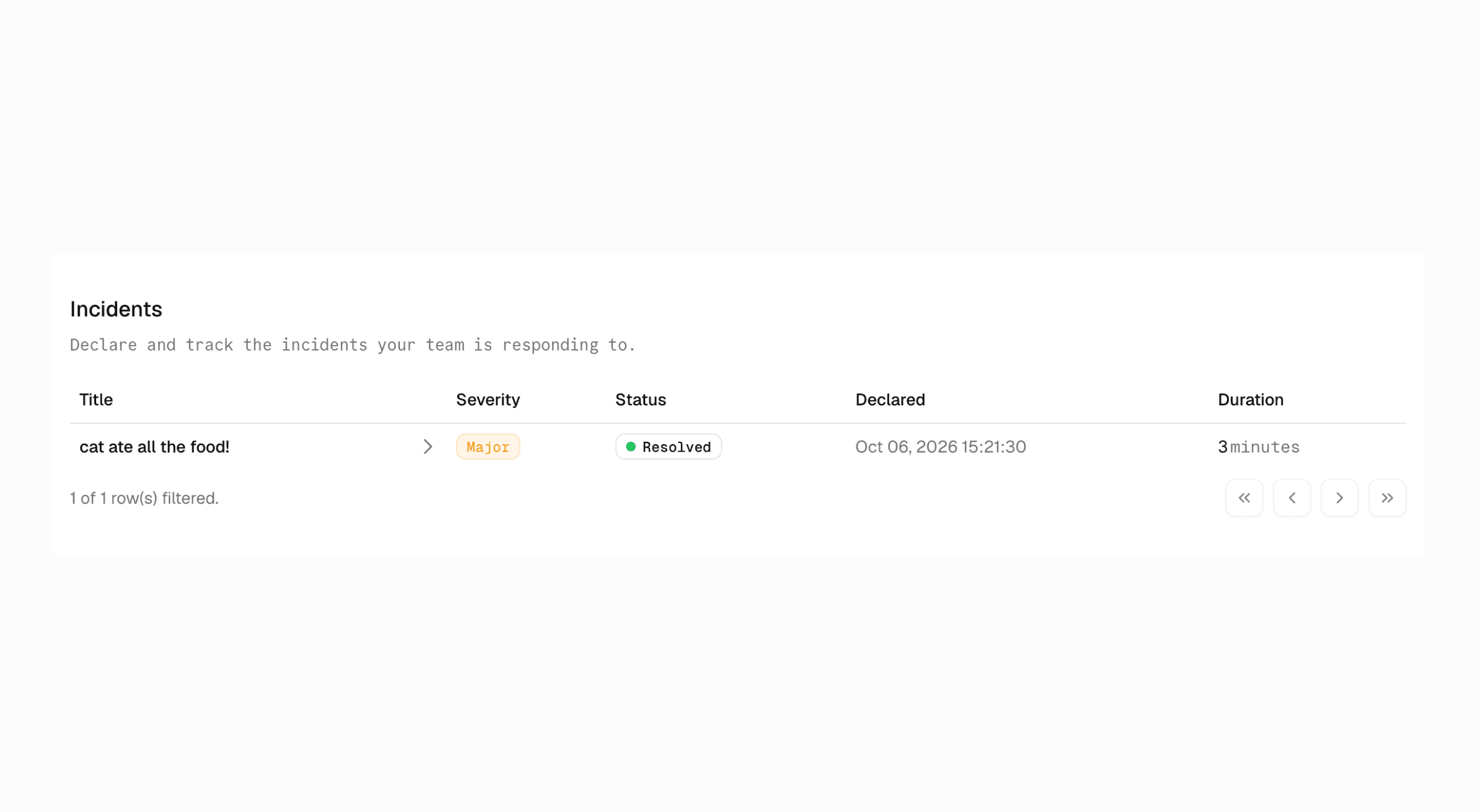
You can now run your incidents in openstatus.
Declare an incident from Slack (/openstatus incident declare, or from any message's ⋯ menu) or from the dashboard. openstatus opens a dedicated channel like #inc-2026-10-14-gcp-queue, and archives it when you close the incident.
- Lifecycle:
open→mitigated→resolved. Each incident has a severity (critical,major,minor) and a commander. - Timeline: react with 📌 or pick Add to incident timeline on a Slack message to save it with its original timestamp, author, and permalink. You can also add notes from the dashboard.
- Stale nudges: if an open incident goes quiet, the bot reminds the channel (after 1h for
critical, 4h formajor, 24h forminor). - Post-mortems:
/openstatus incident postmortemdrafts one from the timeline, the status updates, and the channel history. Edit it, approve it, and close the incident.
Declaring an incident never touches your public status page. Incidents are internal; status reports are public. You can link the two, and nothing goes public until someone approves it.
Every change is recorded in the audit log. Incident management is included in all plans.
Read the launch post or the incident management reference.