
Maintenance windows
Nov 21, 2026 | by openstatus | [monitoring]
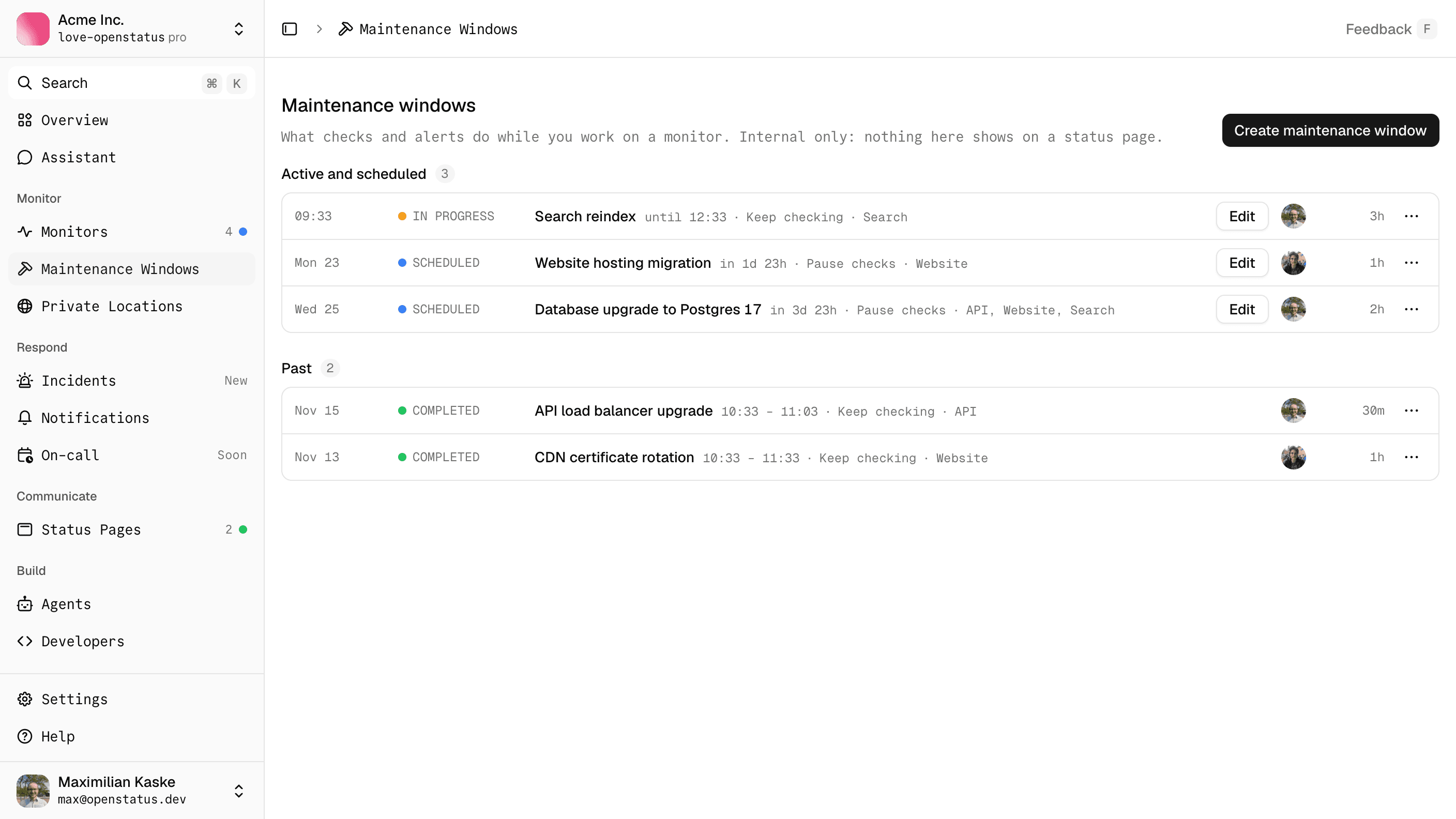
Planned work used to need a status page. To stop a monitor from alerting during a database upgrade, you scheduled a maintenance on a page that showed it, and announced the work to your users whether you wanted to or not.
A maintenance window is the internal version. Pick the monitors, the start and the end, and what checks should do in between:
- Pause checks. No checks run for those monitors, so nothing can fail and nothing alerts.
- Keep checking. Checks run and their results are recorded as usual, but the monitor's status does not change, no downtime is opened, and nobody is notified. If the monitor is still failing when the window ends, the first failing check after it alerts. A downtime that was already open when the window started still closes as soon as a check passes.
Windows live under Maintenance Windows in the sidebar. A monitor inside a window shows a blue status dot until it ends, and you can end a running window early.
Status page maintenances keep pausing the checks of the monitors behind their components until January 1, 2027 (00:00 UTC). From then on, a status page maintenance only informs your users, and pausing checks goes through maintenance windows alone. If you rely on a maintenance to silence a monitor, schedule a window next to it. A window never shows on a status page, and a maintenance never creates a window. When both cover the same monitor, a keep-checking window wins and its checks keep running.
Read the maintenance reference for the details.