
Migrate to openstatus from Atlassian Statuspage, Better Stack, or Instatus in Minutes
Mar 27, 2026 | by Maximilian Kaske | [company]

Switching status page providers is the kind of task that sits on your backlog for months. You know you want to move, but the thought of recreating every component, re-entering every incident, and re-inviting every subscriber keeps you from pulling the trigger.
We built importers so you don't have to.
Today we're shipping one-click importers for three platforms: Atlassian Statuspage, Better Stack, and Instatus. Each one brings over your full status page setup in minutes, not days.
Shoutout to aggmoulik for his relentless support on features like these lately.
Three Steps. That's It.
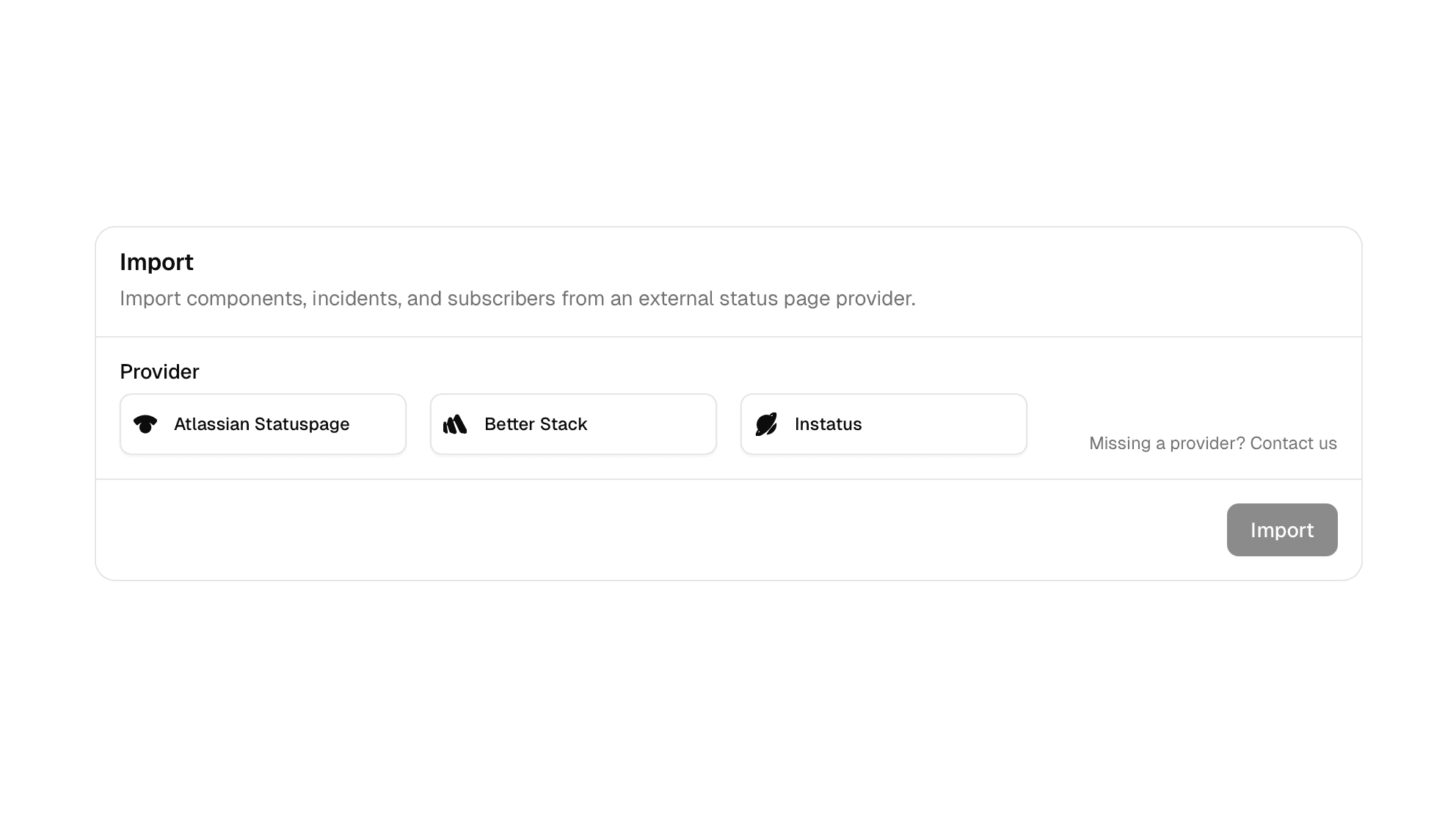
The import flow is the same regardless of which provider you're migrating from.
Step 1: Select your provider and authenticate. Paste your API key and pick the status page you want to import.
Step 2: Preview what will be imported. We show you everything we found -- components, incidents, maintenances, subscribers, monitors -- before anything touches your account. Review it, adjust if needed.
Step 3: Import. Hit the button. We create your status page, map your components into groups, pull in your full incident and maintenance history, and subscribe your existing subscribers. Done.
What Gets Imported
Not every provider exposes the same data through their API. Here is exactly what we can bring over from each one:
| Statuspage | Better Stack | Instatus | |
|---|---|---|---|
| Status page | Yes | Yes | Yes |
| Components & groups | Yes | Yes | Yes |
| Incidents | Yes | Yes | Yes |
| Maintenances | Yes | Yes | Yes |
| Subscribers | Yes (email only) | No (API limitation) | Yes (email only) |
| Monitors | No | Yes | No |
We are transparent about what we can and cannot import. If a provider's API does not expose certain data, we will not pretend otherwise.
Atlassian Statuspage
Statuspage gives us the richest incident data of the three. We import your complete incident history including every update, with timestamps and status transitions preserved. Component groups come through cleanly, and we map Statuspage's operational states directly to openstatus equivalents. If you have email subscribers, those come along too.
For the full walkthrough, check out our Statuspage migration guide.
Better Stack
Better Stack is the only provider where we can import monitors alongside your status page. That means your check URLs, regions, and check frequency all carry over. You get a working monitoring setup on openstatus without reconfiguring a single endpoint. The trade-off: Better Stack's API does not expose subscriber data, so you will need to re-invite those separately.
For the full walkthrough, check out our Better Stack migration guide.
Instatus
Instatus has the most straightforward status model of the three, which works in our favor. Their component statuses map 1:1 to ours, and we auto-detect component groups from their nested structure. Email subscribers are imported. If you are on Instatus today, the migration is about as seamless as it gets.
For the full walkthrough, check out our Instatus migration guide.
Built on a Shared Foundation
Under the hood, all three importers use the same architecture: a provider-specific adapter that normalizes data into a common schema, followed by a shared import pipeline that creates everything in the right order with proper relationships. This means the import behavior is consistent and predictable regardless of where you are coming from.
We plan to add more providers over time. If your current tool is not on the list yet, let us know.
Get Started
In your openstatus dashboard, go to Status Pages, select a status page (or create one first), open the Components tab, and scroll down to the Import section. Pick a provider. The whole process takes less than five minutes.
If you want more detail on the API setup or what each field maps to, we have a step-by-step guide in our docs: How to Import a Status Page.
Migration guides:
No more excuses to stay on a platform that does not fit. Your status page, your data, moved in minutes.